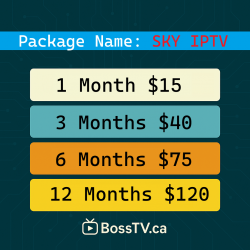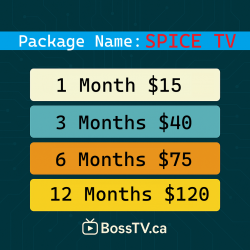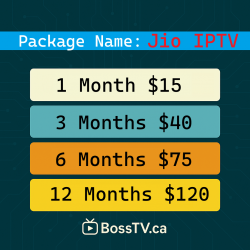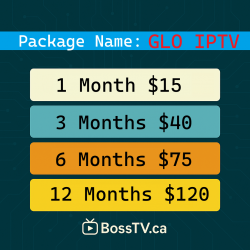
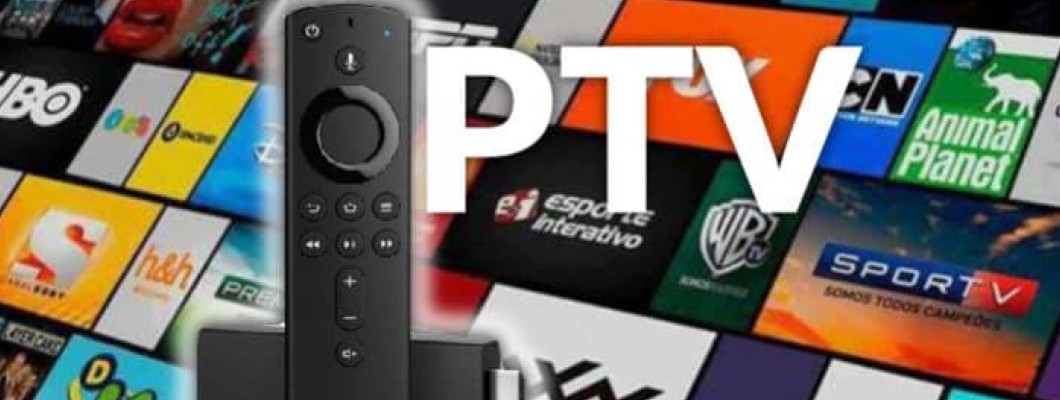
Installing IPTV on an Amazon Firestick is one of the fastest ways to stream live TV, movies, and sports in Canada. The most reliable method is through the Downloader app, which allows you to easily sideload any IPTV player.
This guide will show you exactly how to install IPTV on Firestick, activate BossTV, fix errors, and start streaming in minutes.
What You Need Before Installing IPTV
Amazon Firestick, Fire TV Cube, or Fire TV Smart TV
Wi-Fi connection
The Downloader app (free from Amazon Appstore)
IPTV portal URL or username/password from BossTV.ca
Installation from unknown sources enabled (steps below)
Step 1: Complete Initial Firestick Setup
Plug in your Firestick
Connect to Wi-Fi
Sign in to your Amazon account
Go to the home screen
Step 2: Enable Apps From Unknown Sources
This step allows you to install IPTV apps.
Go to Settings
Select My Fire TV
Open Developer Options
If hidden → go to About, tap your Firestick name 7 times
Select Install Unknown Apps
Turn Downloader to ON
Your Firestick is now ready to install IPTV apps.
Step 3: Install the Downloader App
On the home screen click Find → Search
Type Downloader
Download & Open it
Press Allow → OK
Step 4: Install Your IPTV App Using Downloader
Open Downloader
Click the URL bar
Enter the APK link provided by BossTV
Click Go
Wait for download → click Install
Select Open
If you don’t have your download link:
BossTV support can assist you instantly.
Step 5: Activate Your IPTV Service
Open the IPTV player and enter:
MAC Address
Username/Password
Portal URL
BossTV will send these details after activation.
Which IPTV Apps Work Best on Firestick?
BossTV works with:
IPTV Smarters Pro
XCIPTV Player
TiviMate
STB Emulator
Perfect Player
These apps support:
Live TV
EPG
VOD & Series
Multi-device login (depending on app)
Why Firestick Users Prefer BossTV in Canada
BossTV offers a highly stable IPTV experience with:
Full HD, FHD & 4K channels
Canadian, U.S. & international channels
NHL, NBA, UFC, MLB, EPL & premium sports
Thousands of movies & series
Works smoothly on all Firestick versions
24/7 Canadian support
Troubleshooting (Must Include for SEO)
Downloader Not Working?
Clear cache: Settings → Applications → Downloader → Clear Cache
Restart Firestick
Ensure Developer Options are enabled
IPTV App Buffering?
Use 5GHz Wi-Fi
Restart modem/router
Turn off VPN (unless required)
IPTV Portal Not Loading?
Re-enter credentials
Contact BossTV support (usually fixed in 2 mins)
FAQs (Boosts SEO)
Is IPTV Legal in Canada on Firestick?
Using IPTV apps on Firestick is legal.
Legality depends on the provider. BossTV complies with Canadian regulations for IPTV services.
Do I Need a VPN?
Most users in Canada do not need VPN for IPTV. BossTV works without it.
Can I install IPTV without Downloader?
Yes — through FileLinked, browser APK download, or the FireTV app store, but Downloader is easiest.
Conclusion
You now know how to install IPTV on Firestick using the Downloader app and how to activate your BossTV service. With HD streams, premium sports, fast servers, and Canadian support, BossTV is one of the most reliable IPTV services for Firestick users in 2026.
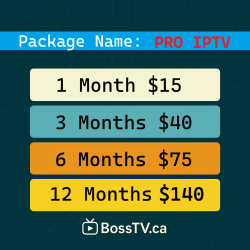
For the best IPTV experience in Canada, explore our Firestick-compatible packages at BossTV.ca.
Related Products